Smartphone Battery Health: What Helps and What Is Folklore
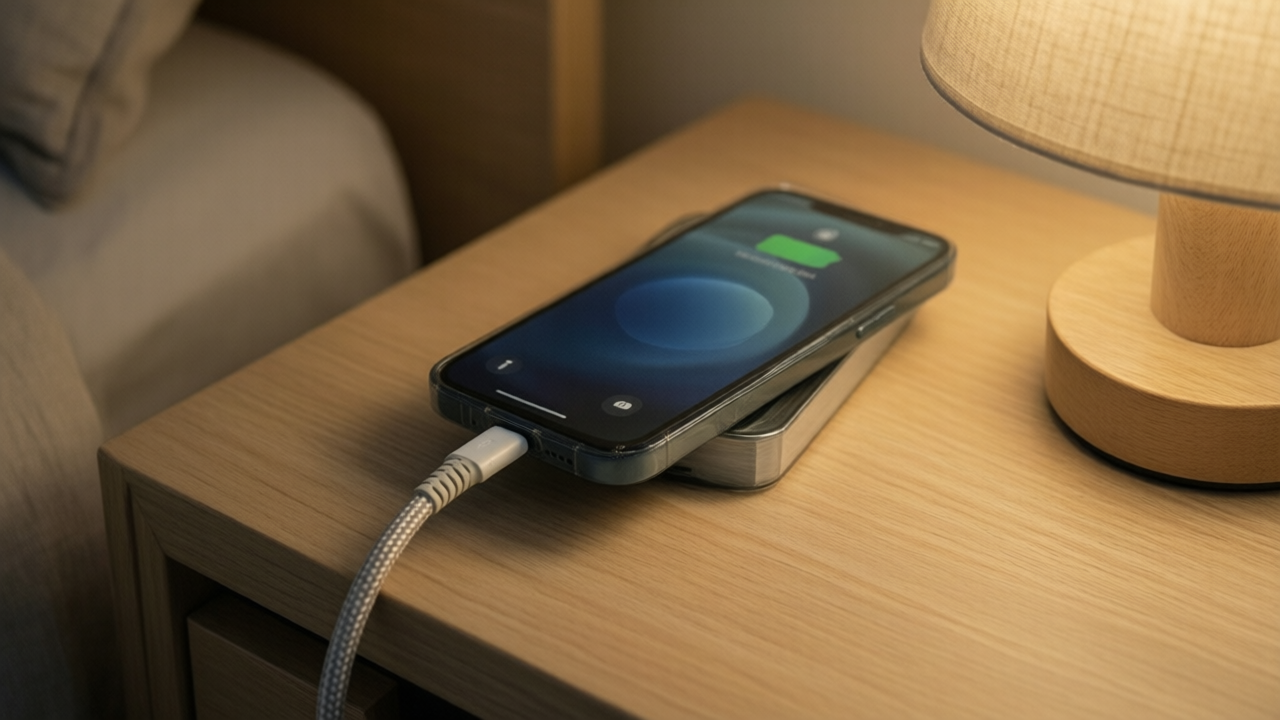
Phone battery advice is a mixture of outdated guidance from older battery chemistry and confident misinformation. The underlying behavior of lithium-ion cells is well understood.
How these batteries age
Lithium-ion capacity declines through charge cycles and through chemical aging that occurs regardless of use. A cycle is a full charge worth of energy, so two half charges count as one cycle rather than two.
Manufacturers typically rate batteries to retain around eighty percent of original capacity after several hundred full cycles, which for most people corresponds to roughly two years of normal use.
Heat is the primary enemy
Elevated temperature accelerates chemical degradation more than any charging habit. This is the single most actionable fact about battery longevity.
- Avoid leaving a phone in a hot car, which regularly exceeds safe temperatures by a wide margin.
- Remove thick cases during heavy charging or intensive use if the phone becomes noticeably warm.
- Avoid direct sun for extended periods.
- Be aware that fast charging and demanding applications both generate heat, and combining them generates more.
The charge range that matters
Lithium-ion cells experience the most stress at very high and very low states of charge. Keeping a battery between roughly twenty and eighty percent reduces aging measurably compared to routinely charging to full and running to empty.
This is why most phones now include an optimized charging feature that pauses near eighty percent and completes shortly before you typically wake. Leaving that enabled is worthwhile and requires no attention.
Charging to one hundred percent occasionally is fine. Doing it every night for years has a cumulative cost.
Persistent myths
- You must fully discharge a battery periodically. This applied to nickel-based chemistry decades ago. It actively harms lithium-ion cells.
- Overnight charging destroys the battery. Modern phones stop charging when full. The real concern is sitting at one hundred percent for hours, which optimized charging addresses.
- Only manufacturer chargers are safe. Any reputable charger meeting the relevant standards is fine. Uncertified, unbranded chargers are a genuine risk, but the brand on the plug is not the issue.
- Closing background apps saves battery. Modern mobile operating systems suspend background applications automatically. Force-closing and relaunching frequently consumes more power than leaving them suspended.
- Wireless charging ruins batteries. It is less efficient and generates more heat, which is a modest negative, but it is not destructive.
What actually drains a battery day to day
- Screen brightness and time on screen, by a wide margin the largest consumer.
- Cellular signal strength. A phone in a weak signal area transmits at higher power and drains quickly. Airplane mode in a genuine dead zone is a meaningful saving.
- Location services used continuously by multiple applications.
- Background refresh for applications that do not need it.
The battery usage screen in settings identifies actual consumers, which is more productive than applying general advice.
Extending a phone's usable life
- Enable optimized charging.
- Keep the device out of heat.
- Avoid routinely charging to full when it is unnecessary.
- Update software, since updates frequently contain efficiency improvements.
- Reduce screen brightness and screen timeout, the highest-impact settings change.
When replacement makes sense
Most phones report battery health as a percentage of original capacity. Below about eighty percent, the phone will struggle through a day and may shut down unexpectedly under load in cold weather.
A battery replacement is dramatically cheaper than a new phone and restores nearly all of the original experience. For a device that is otherwise working well, this is one of the highest-value repairs available, and it is frequently overlooked in favor of replacing an entire functional phone.
Article Was Generated By AI.