How to Buy a Laptop Without Overspending
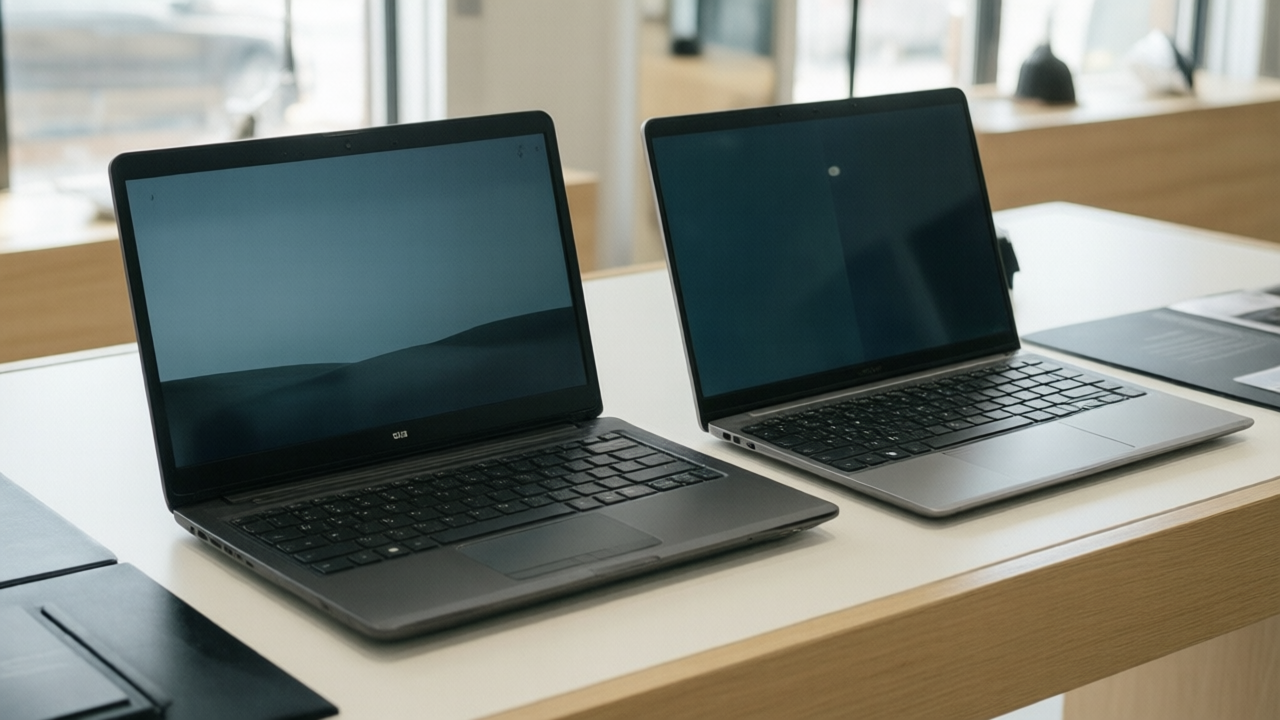
Laptop specifications are presented as a list of numbers where bigger is better. In practice a few of those numbers determine the experience and the rest are close to irrelevant for most people.
Start with the actual workload
The right machine differs enormously by use.
- Browsing, email, documents, video. Nearly any current laptop handles this. Spend on the screen, keyboard, and battery instead of the processor.
- Office work with many tabs and applications. Memory matters most.
- Photo and video editing. Processor, memory, fast storage, and a color-accurate display.
- Gaming or 3D work. A discrete graphics processor, which is the one case where it genuinely matters.
- Software development. Memory and storage speed, usually more than raw processor performance.
The specifications that matter, in order
Memory is the most common bottleneck. Eight gigabytes is a workable floor for light use but constrains multitasking. Sixteen is the comfortable standard for most people today. Thirty-two is worthwhile for heavy creative work or virtualization. Critically, memory is frequently soldered and not upgradeable later, so this decision is usually permanent.
Storage should be solid state without exception. The difference against a mechanical drive is the single most noticeable performance characteristic. Capacity depends on habits, though 512 gigabytes is a reasonable baseline, and external storage handles overflow inexpensively.
Processor matters less than the marketing suggests for everyday work. Current mid-range chips handle ordinary workloads comfortably. Pay attention to generation rather than only to tier, since a current mid-tier chip commonly outperforms an older high-tier one.
Display deserves far more attention than it receives, since you look at it constantly. Prioritize resolution appropriate to the size, adequate brightness for your environment, and panel type. IPS panels offer better viewing angles and color than cheaper alternatives. Matte finishes handle ambient light better than glossy.
The specifications oversold
- Very high refresh rate displays on machines used for documents and browsing, where the benefit is subtle.
- Discrete graphics on a laptop used for office work, which adds cost, weight, heat, and reduced battery life for no practical gain.
- Extremely high resolution on small screens, which consumes battery for detail that is difficult to perceive.
- Processor core counts beyond what the software actually uses, which for most consumer applications is fewer than the marketing implies.
The things that determine daily satisfaction
Specifications do not capture what makes a laptop pleasant to use.
- Keyboard quality and layout, which you interact with constantly.
- Trackpad quality, where the gap between good and poor is enormous.
- Build rigidity, since flex in the chassis and lid predicts long-term durability.
- Port selection. A laptop with a single port means carrying a dongle permanently.
- Weight, if it will actually be carried.
- Repairability, particularly whether the battery and storage can be replaced.
Whenever possible, type on the machine before buying it. Ten minutes with the keyboard and trackpad reveals more than any specification sheet.
Battery claims and reality
Manufacturer battery estimates are produced under favorable conditions: modest screen brightness, light workload, wireless minimized. Expect meaningfully less in normal use. Independent reviews with standardized tests are far more reliable, and battery capacity in watt-hours is a more honest comparison than an hours claim.
Timing and value
New models arrive on predictable cycles, and previous-generation machines are heavily discounted when they do. For most workloads, last year's model at a substantial discount is better value than the current one at full price.
Refurbished machines from manufacturers, with warranty coverage, offer strong value with limited risk. Business-oriented lines in particular tend to be more repairable and more durable than consumer models at similar prices.
A reasonable default
For a general-purpose laptop that stays useful for years: sixteen gigabytes of memory, a 512 gigabyte solid state drive, a current-generation mid-range processor, a good IPS display, and a keyboard you have actually tried. That configuration handles nearly everything most people do and avoids paying for capability that goes unused.
Article Was Generated By AI.